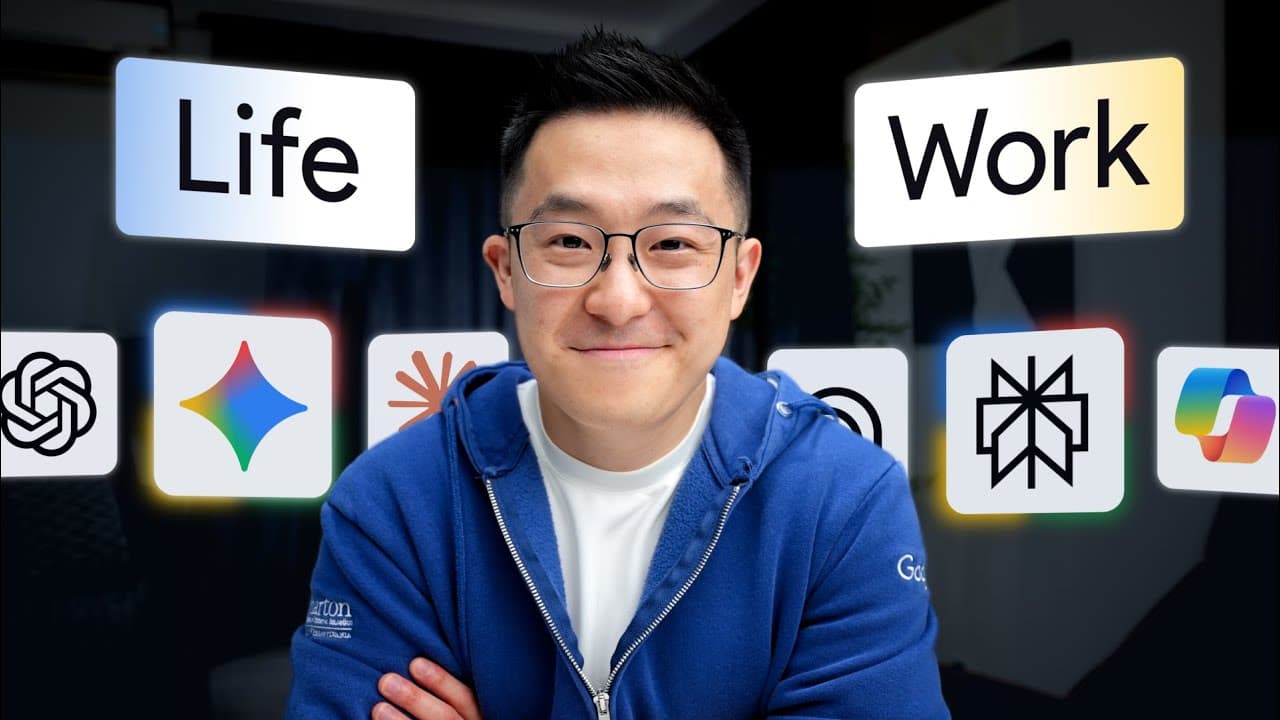
The Only AI Tools You Need: My Essential AI Workflow Breakdown (Insights from Jeff Su)
In today's fast-paced world, AI tools are no longer a luxury but a necessity for boosting productivity. I, like many of you, have spent countless hours trying to figure out which tool does what best. Jeff Su, in his 12-minute guide, brilliantly distills this complex landscape, sharing how he leverages around 10 AI tools for 90% of his work. Each tool, he emphasizes, excels in one specific area. This post dives deep into his insights on "Everyday AI" and "Specialist AI" (the focus of the first part of his series), giving us a clear mental model for when to use what. Get ready to streamline your AI toolkit!
Everyday AI: Your General Purpose Chatbots
When we think of general-purpose chatbots, ChatGPT, Gemini, and Claude often come to mind. While they might seem interchangeable at first glance, Jeff highlights that their unique "moats" – the specific things they do best – have become quite distinct. Understanding these differences is key to using them effectively.
ChatGPT: The Obedient Workhorse
Even with newer contenders, ChatGPT still holds a crucial advantage: it's the most obedient model. What does that mean in practical terms? It "drops fewer balls" when you hand it a complex checklist. Other models, despite their raw intelligence, might occasionally skip a step or decide they know better when given lengthy instructions.
To prove this, Jeff suggests asking each model to optimize a rough prompt for itself. ChatGPT will generate a noticeably longer and more detailed prompt, signaling its capacity to handle complexity. When running that optimized prompt through both ChatGPT and Gemini, for example, you'll observe two things: ChatGPT takes longer because it's meticulously checking every requirement, following instructions to the letter. Gemini, on the other hand, often takes shortcuts.
Real-World Examples:
- Complex Hiring Rubric: Jeff shared a hiring rubric with a dozen requirements with both ChatGPT and Gemini. ChatGPT delivered every single one, while Gemini's output, though seemingly correct, quietly omitted a few rules upon closer inspection.
- Web Search Reliability: Surprisingly, sometimes when you explicitly tell Gemini to search the web, it simply doesn't. ChatGPT, however, consistently performs the web search every time when enabled.
This reliability stems from ChatGPT's core superpower: obedience. It means you can trust it to execute the behavior you ask for. So, as a rule of thumb, if a task has many moving parts and getting one wrong could break the whole thing, start with ChatGPT.
Gemini: The Multimodal Powerhouse
Where ChatGPT shines in obedience, Gemini dominates in multimodality. This means Gemini can natively process a massive amount of mixed media: video, audio, images, and text.
Gemini stands out by being able to natively handle all four types of media. It can "listen" to audio and "watch" videos, unlike ChatGPT and Claude, which require roundabout methods to access such information. Furthermore, Gemini's immense 1 million token context window allows it to handle large video recordings, hour-long audio files, and full slide decks – a load that would "choke" other models.
Powerful Use Cases:
- Screen Recording to SOP: Jeff demonstrated uploading a messy screen recording of a task and asking Gemini to turn it into a perfectly formatted, ready-to-use Standard Operating Procedure (SOP).
- Meeting Synthesis: Imagine finishing a weekly meeting with a video recording, a 20-slide deck, and a photo of a whiteboard session. Gemini is the only tool that can ingest all three simultaneously to summarize discussions, pull out key decisions, and draft a follow-up email in one go.
While Jeff notes that Gemini's raw reasoning capabilities sometimes feel slightly behind ChatGPT, its unparalleled ability to process video, audio, or massive files makes that trade-off undeniably worth it for multimodal tasks.
HubSpot AI Productivity Stack: A Valuable Resource
Speaking of matching the right tool to the task, Jeff gave a shout-out to HubSpot's free guide, "The AI Productivity Stack." While this video focuses on personal favorites, Jeff acknowledges that different workflows require different tools. This guide covers 50 tools organized by use case across various business functions like research, design, and marketing. It details best use cases, features, pricing, and step-by-step workflows, with excellent decision logic at the end of each section to help you pick the right tool for your specific need. It's a great way to quickly understand what each tool does beyond personal preferences.
Claude: The Quality Draftsman & Coder
Rounding out the everyday AI category is Claude, whose superpower lies in producing higher-quality first drafts than other models. Claude's initial attempts are usually closer to being "done." This strength manifests in two primary areas:
-
Coding: It's a fun fact that while the latest Gemini version beat an older Claude version in almost every benchmark, Claude still won the coding one. This suggests Anthropic (Claude's creator) has a unique edge in this area. Developers often agree that Claude consistently writes functional code on the first try more often than alternatives.
- Real-World Example (Go Script): Jeff needed to bulk export conversations from a customer service platform. Their support team said only developers could do it. Jeff described the problem to Claude, which not only provided step-by-step instructions but also wrote a functional script in Go that worked on the very first attempt – despite Jeff not even knowing the Go language or how to code.
- Interactive Charts: He also asked all three models to turn a static image into an interactive chart, and Claude performed the best on the first try.
- Pro Tip (Diagrams): You can ask Claude to generate Mermaid code, which can then be pasted into tools like Excalidraw to create clean visuals in minutes.
-
Polishing Copy: Beyond code, Claude excels at producing written drafts that sound human and require fewer revisions. When you need to refine an argument or match a specific voice, Claude "gets it." It's exceptionally good at style matching. By feeding it examples of your existing work, it can replicate your tone almost perfectly. Jeff uses this to replicate a corporate voice for presentations and performance reviews, and now, as a creator, to refine new YouTube scripts based on his existing ones.
How I Use All Three Everyday AIs Together
Jeff's workflow for using these three powerful tools in conjunction is quite insightful:
- ChatGPT or Gemini typically handles the beginning stages of his work: ideation, research, and drafting outlines for presentations.
- Claude then steps in for the "last mile," transforming that rough output into something polished and ready to present or publish.
Quick Note on Grok
Many people ask why Grok isn't part of his essential toolkit. Jeff explains that Grok's primary superpower is its direct access to the Twitter/X firehose. This makes it the best option for analyzing breaking news events in real-time. Since his work doesn't typically involve this specific need, it simply doesn't fit his personal workflow.
Conclusion
Navigating the world of AI tools doesn't have to be a trial-and-error nightmare. As Jeff Su has clearly laid out, understanding the specific strengths – or "moats" – of each tool is paramount.
- ChatGPT is your go-to for complex tasks requiring strict adherence to instructions and reliability.
- Gemini is your powerhouse for anything involving multimodal input like video, audio, and large documents.
- Claude excels at delivering high-quality first drafts, especially for coding and refining written copy to match a specific style.
By consciously choosing the right tool for the right task, we can dramatically boost our productivity and efficiency. This guide has covered "Everyday AI," and I'm excited to explore the remaining two categories in Jeff's series. Happy prompting!